How Much Is a Projector and Screen? 2026 Price Guide
Discover the true costs of setting up a home theater, from entry-level portable rigs to premium cinema-grade laser systems with dedicated projection surfaces.
By the Niche Picks editorsUpdated November 9, 202610 min readDrawn from our 29 research-based projectors & home theater reviews
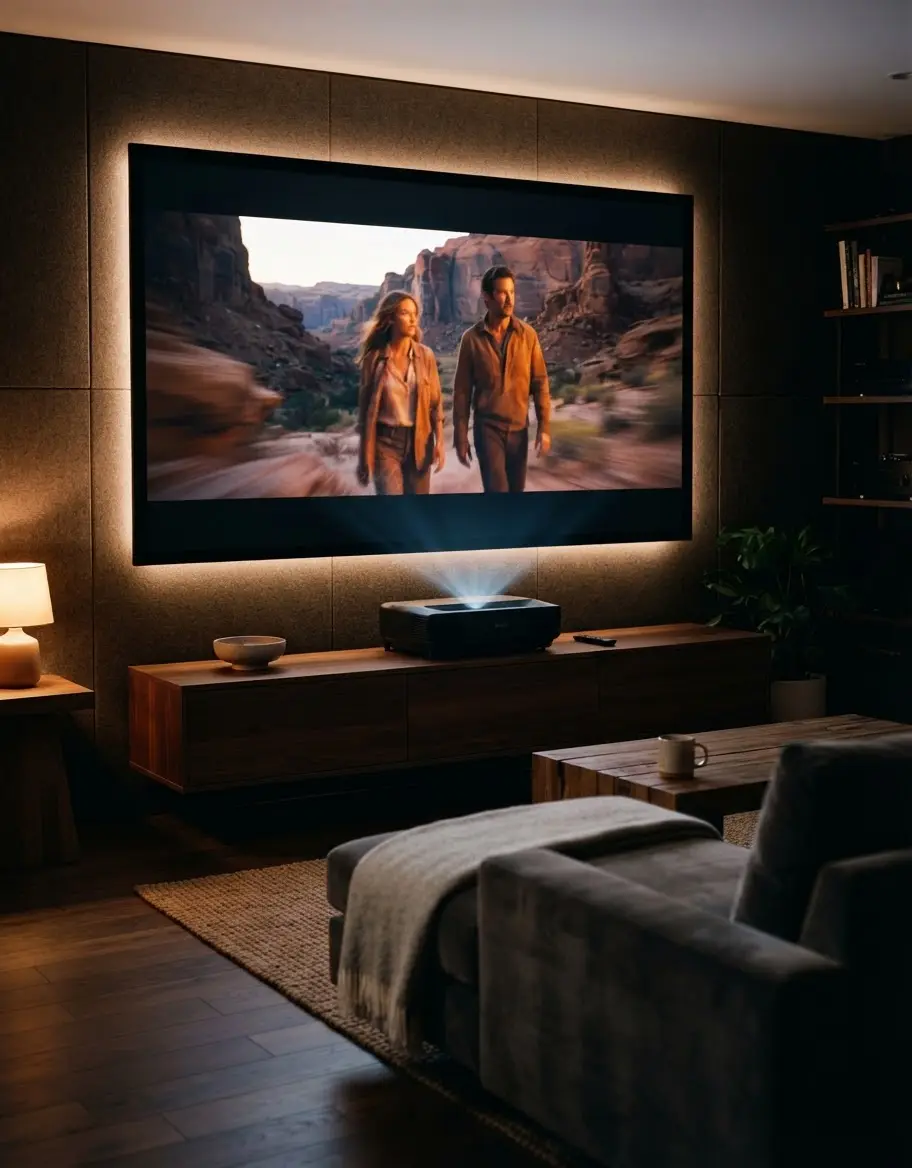
AI-generated editorial illustration; not a product or test photograph.
Short answer
A basic projector and screen bundle can cost as little as $110, while high-performance home cinema setups often exceed $2,500. Entry-level systems prioritize portability for casual viewing, whereas mid-to-high-tier budgets prioritize standardized ANSI brightness, contrast depth, and color accuracy for a dedicated media room experience.
6
Product listings discussed; not hands-on tests
6/6
Discussed listings with a recorded price
$24.99–$1,699.00
Recorded listing price range; not a complete setup cost
Key takeaways
Entry-level projectors and portable screens start around $110 combined.
True cinematic performance requires standardized ANSI lumens and high contrast rather than just 4K resolution labels.
Ambient light rejection (ALR) screens are essential for daytime viewing but increase total system costs significantly.
Integrated smart features like Roku TV can save money by eliminating the need for external streaming hardware.
Solid-state laser light sources offer lower total cost of ownership compared to traditional lamp-based projectors.
Always match your screen gain to your projector’s throw distance and the ambient lighting of your room.
Products discussed in this article
Editorial scores and recorded prices are reference points, not measurements of suitability for every use. Read each review's specifications and limitations.
AWOL VISION LTV-3000 Pro 4K 3D Ultra Short Throw$1,699.00
Comparison of Projector & Screen Combinations
Product
Type
Resolution
Light Source
Price
Mini Projector
Portable
1080p
LED
$83.99
Mdbebbron Screen
Fabric Sheet
N/A
N/A
$24.99
TOPTRO Projector
Smart/Portable
1080p
LED
$599.99
Elite Manual Screen
Pull-Down
N/A
N/A
$149.00
ViewSonic PX701
Fixed/Gaming
4K
Lamp
$979.97
AWOL Vision UST
Ultra-Short-Throw
4K
Laser
$1,699.00
What Should You Expect at Different Price Points?
Budgeting for projection equipment requires balancing your desire for image size against the reality of optical physics. At the lowest tier, under $200, you are primarily purchasing hardware for casual, pitch-black environments. For example, a mini projector paired with a simple polyester screen provides a massive, inexpensive display perfect for backyard movie nights, though performance in daylight is essentially non-existent. You are paying for the physical size of the image, not the color depth or contrast fidelity.
Moving into the mid-tier ($500–$1,200), you begin to encounter features that define a real home theater experience. Projectors in this range, such as the TOPTRO 4K-capable unit, often include integrated streaming platforms like VIDAA or Android TV, which streamline your workflow. You also shift from basic fabric sheets to more durable manual pull-down screens, which offer superior flatness and better light diffusion. These systems are ideal for dedicated media rooms where you can control lighting effectively.
At the premium level (above $1,500), the focus shifts toward advanced light engines and optical precision. Triple-laser systems like the AWOL VISION LTV-3000 Pro deliver wide color gamuts that reach deep into the DCI-P3 space, rivaling high-end televisions. However, these systems demand higher-quality ambient light rejecting (ALR) screens to function correctly. Without the right surface, you will lose significant contrast, washing out the very detail you paid for. Investing here means you are no longer just buying a 'screen' but a complete optical solution designed to handle specific lighting conditions. Always consult our buyer's guide to ensure your chosen hardware matches your room's unique geometry, as there is no universal 'best' system for every household space.
Why Brightness and Contrast Dictate Your Investment
When researching projector specifications, ignore 'light source lumens' and focus strictly on ANSI lumens. The industry often uses marketing-inflated figures to mask weak light engines. A projector like the ViewSonic PX701-4K, with 3,200 ANSI lumens, is genuinely bright enough to combat ambient light, whereas cheaper projectors with unspecified output will struggle immediately in any room with a window or overhead light. If you must use a space with ambient light, your screen choice is equally important. A basic matte white screen will absorb ambient light and reflect it back, essentially killing your contrast.
Contrast and black levels are the most overlooked aspects of home theater. A projector with high brightness but poor native contrast will make dark, cinematic scenes look washed out—blacks will appear as dull grey. To get deep, inky blacks, you need a high-contrast screen that can reject off-axis light. This is why our list of best home projectors emphasizes that the projector and screen must be treated as a single optical system. If you try to save money by pairing an expensive projector with a low-quality, translucent screen, you are effectively throwing away the performance you paid for.
Before finalizing your budget, visit our FAQ page to understand the interaction between projector throw distance and screen gain. A projector with a short-throw lens, for instance, requires a specifically tensioned screen to avoid the image distortion that occurs when a fabric surface is not perfectly flat. If you notice waves on your screen, check our article on how to clean your screen safely to ensure that your maintenance practices are not inducing surface irregularities over time. Remember that professional-grade home theater is less about raw resolution and more about controlled light reflection.
Always verify that lumen ratings are ANSI or ISO certified. 'Light source lumens' are often inflated and do not represent the actual brightness delivered to your screen.
The Real Cost of Maintenance and Longevity
The long-term cost of a projector isn't just the sticker price; it includes the light source lifespan and mechanical reliability. Older bulb-based designs require expensive periodic replacements every few thousand hours, which can quickly exceed the cost of the projector itself over a five-year period. In contrast, modern solid-state laser engines and LED units are rated for 20,000 to 30,000 hours. While these projectors have a higher upfront cost, they offer significantly lower total cost of ownership. We recommend users prioritize laser units if they plan to use their projector as a primary living room display.
Mechanical screen longevity is another factor that buyers frequently ignore. Entry-level pull-down screens often develop edge curl after a year or two, which is permanent and creates significant visual distortion during panning shots in movies. Fixed-frame screens are more expensive but immune to this issue. If your budget is tight, start by looking at a high-quality manual unit, but avoid overloading it with tension during setup. For those looking for maximum return on their investment, we suggest referencing our budget planner to allocate funds towards a higher-quality screen surface, which will likely outlast three or four generations of entry-level projectors.
Lastly, avoid the common pitfalls outlined in our mistakes to avoid section. A common error is mounting a projector without considering the necessary vertical offset or Keystone correction limitations. Digital Keystone correction, while convenient, lowers effective resolution and adds input lag, which is detrimental to gaming or high-motion sports. Ideally, you want to achieve alignment using physical mounting adjustments. For more help with selecting the right size and technology, our articles on best budget projectors provide specific recommendations for entry-level setups that won't compromise your viewing quality too heavily.
Proper setup is the difference between a subpar living room experience and a true cinematic thrill. Begin by assessing your available wall space; do not simply buy the largest screen you can afford if your room width cannot accommodate the seating distance. A 150-inch screen might seem like a bargain, but if you sit only 8 feet away, you will suffer from neck strain and notice pixel structure rather than image detail. Use our best 4K projector guides to understand ideal throw ratios for your specific room dimensions.
Once the screen is mounted, you must manage your light environment. If you cannot fully darken the room, you are essentially forced to buy a high-output projector. This is the most expensive path. It is almost always more cost-effective to invest in heavy blackout curtains than to purchase a 5,000-lumen laser projector just to combat streetlamp glow. When the environment is controlled, you can choose a projector with lower brightness but better color reproduction and native contrast, which provides a much more natural image for movies and high-end streaming.
Pay close attention to audio as well. Projectors are notorious for having poor built-in speakers, and they are usually positioned behind the viewer, which disconnects the sound from the image. Invest in an external audio solution—even a simple soundbar will offer better clarity than a projector's integrated driver. Always ensure your cabling is rated for the bandwidth you require, especially if you are pushing 4K content with HDR metadata. A high-quality HDMI cable is a small expense compared to the frustration of signal dropout during a movie. For specific insights into specialized setups, see our guide on what is a short-throw projector to see if that technology fits your room better than a traditional setup.
Using a wall instead of a dedicated screen results in lower contrast and potential color shifts. If you are spending more than $500 on a projector, do not skip a high-quality projection surface.
Comparing Surface Types: Why It Matters
The debate over screen types is a critical part of the projection journey. You have three primary categories: simple fabric sheets, manual pull-down rollers, and fixed-frame tensioned screens. Simple fabric sheets are extremely cheap and perfect for temporary outdoor events, but they are never flat. If you try to project on a non-flat surface, you lose sharpness. Pull-down rollers are the standard for multi-purpose rooms; they disappear when not in use, making them excellent for living rooms that serve as dining or play areas during the day.
Fixed-frame screens are the gold standard for dedicated home theaters. Because the material is tensioned across a rigid frame, the image remains perfectly flat for the entire life of the product. This eliminates the edge curling that plagues cheaper pull-down models. If your setup is permanent, prioritize a fixed-frame screen over a higher-end projector. A mid-tier projector on a high-end screen will consistently outperform a high-end projector on a low-end wall. For more detailed reasoning, review our article Do You Need a Projector Screen? to see the technical differences between various materials.
Finally, think about portability. If you need a setup that moves, consider screens with integrated tripods or pop-up frames. These are heavier than simple fabric but significantly easier to align in temporary locations. Always check the weight specifications; a heavy 150-inch screen requires a much more robust tripod than a 100-inch model. Failure to account for the mechanical stability of your screen mount can lead to accidental tip-overs, especially in outdoor, windy environments. For more inspiration on these types of setups, see our articles on best outdoor projector for recommendations that pair well with portable screens.
Calculating your total budget requires transparency about your expectations. Many buyers start by finding the cheapest projector on the market, but the cost of hidden accessories—cabling, mounting hardware, soundbars, and screen treatments—can easily double the entry price. When planning your expenditure, categorize your costs into three distinct buckets: the light engine, the projection surface, and the audio system. If you spend 80% of your budget on the projector and ignore the screen, you will likely be disappointed with the results.
Our category page offers a comprehensive overview of how these costs distribute across the market. Remember that for smaller spaces, a smart projector with a built-in operating system saves you the cost of a dedicated streaming device. This is a common strategy for buyers who need a simple, all-in-one solution for bedrooms or guest rooms. Conversely, for large theaters, you want modular components. A dedicated Apple TV 4K or high-end Blu-ray player will always outperform the built-in software of even the best smart projectors. When you buy components separately, you can upgrade them individually, which is a massive advantage over the long term.
Don't forget to factor in the cost of professional installation if you are not comfortable drilling into ceiling joists or configuring complex cable runs through walls. While many enthusiasts perform these tasks themselves, the cost of an error—such as drilling through a pipe or damaging expensive hardware—can be high. If you are DIY-inclined, make sure to read the mistakes to avoid before you start. Taking the time to research properly will save you money in the long run and help you avoid the common pitfalls that cause many people to abandon their home theater projects prematurely.
Most projectors have weak speakers that lack bass and clear dialogue. Budget for a dedicated soundbar or audio system to truly experience your media.
Step by step
1Determine the maximum screen size your wall can accommodate safely.
2Measure the distance from the lens location to the screen surface.
3Select a projector with a throw ratio that fits your calculated distance.
4Choose a screen surface (matte white for dark rooms, ALR for light rooms).
5Install the screen on a level surface, ensuring there is no edge curling.
6Position the projector and align the image using physical lens shift before using digital keystone.
7Connect your streaming device via HDMI, using ARC/eARC for your audio system.
Quick checklist
Verify the projector's throw distance against your available room space.
Ensure your projector has at least two HDMI inputs for multiple devices.
Select a screen with the correct aspect ratio (16:9 is standard).
Confirm the screen material is compatible with your projector type (Front vs Rear).
Check for ambient light levels in your room during your intended viewing hours.
Measure your mounting surface to ensure it can support the weight of the screen and frame.
Budget for long-run HDMI cables if your projector is ceiling-mounted.
Frequently asked questions
Can I use a plain white wall instead of a projector screen?
Yes, but you will lose significant image contrast and sharpness. Walls often have subtle textures that can create a 'sparkly' effect, and they lack the specialized coatings of a dedicated screen that optimize light reflection. A professional-grade screen provides a much more uniform and vibrant viewing experience.
How much should I realistically spend on a beginner home theater?
A solid, entry-level experience starts around $500 to $800 total. This allows you to purchase a decent 1080p LED projector and a basic pull-down screen. Trying to spend less often forces you to compromise on brightness and build quality, which can make the image unwatchable in anything other than a pitch-black room.
Are '4K' projectors at low prices actually 4K?
Many budget projectors labeled as '4K' only support a 4K input signal, which they then downscale to a native 1080p resolution. True native 4K projectors are substantially more expensive. Always look for the 'native' resolution in the technical specifications rather than the maximum supported input.
What is the biggest mistake people make when buying a projector?
The most common mistake is ignoring room lighting and screen gain. Many buyers pick a projector with insufficient brightness for their space and expect the image to look like a television. If your room has windows, you must invest in high-brightness projection and an Ambient Light Rejecting (ALR) screen.
How often will I need to replace a projector lamp?
Traditional mercury lamps typically last 3,000 to 6,000 hours. Newer LED and laser-based projectors are rated for 20,000 to 30,000 hours and generally do not require replacements. If you use your projector daily, the cost savings of a laser or LED light source usually justify the higher upfront price.
Amazon links are affiliate links; we may earn a commission at no cost to you.
Shortlists in this category
Ranked lists from our projectors & home theater reviews, limited to listings whose titles confirm the product type, with budget cuts where enough recorded prices sit on both sides of the line.
This page summarizes our research reviews of Amazon listings, listed specifications and captured buyer ratings. It is not a hands-on test. Scores are editorial assessments, not measured performance; prices are recorded snapshots and may change. A category can include both main products and accessories, so its overall price range is not the cost of a complete setup.
Most recent product record update: September 25, 2026. Individual records may be older; this is not a verification date for every claim. Prices on this page were read from the listings Nov 8, 2026 – Nov 11, 2026.
Compare the same kind of projectors & home theater
Choose the product type first. These groups require a match in the listing title; an import search term alone is not enough. Scores rank our recorded research assessments within each group, not independently measured performance.
Values are shown as recorded, without unit conversions or inferred compatibility. Not recorded means unknown, not absent. Prices are snapshots, not current offers. Editorial scores are research judgments, not lab results. Amazon links are affiliate links.
Before treating a comparison as complete
Which details are still unknown?
A specification appearing in a listing is not independent verification. These counts show which shortlisted records contain the same field; a blank record does not mean the product lacks the feature.
Compatible Devices
Recorded for 2 of 2 shortlisted models
Present in every shortlisted record. Check units, exact variants and the current manufacturer documentation before relying on it.
Connectivity Technology
Recorded for 2 of 2 shortlisted models
Present in every shortlisted record. Check units, exact variants and the current manufacturer documentation before relying on it.
Display Resolution Maximum
Recorded for 2 of 2 shortlisted models
Present in every shortlisted record. Check units, exact variants and the current manufacturer documentation before relying on it.
Maximum Image Size
Recorded for 2 of 2 shortlisted models
Present in every shortlisted record. Check units, exact variants and the current manufacturer documentation before relying on it.
Native Resolution
Recorded for 2 of 2 shortlisted models
Present in every shortlisted record. Check units, exact variants and the current manufacturer documentation before relying on it.
Wattage
Recorded for 2 of 2 shortlisted models
Present in every shortlisted record. Check units, exact variants and the current manufacturer documentation before relying on it.
Values are shown as recorded, without unit conversions or inferred compatibility. Not recorded means unknown, not absent. Prices are snapshots, not current offers. Editorial scores are research judgments, not lab results. Amazon links are affiliate links.
ANSI lumens are comparable; 'light source lumens' are not.
Contrast and black level matter far more than resolution claims.
Match screen gain and ambient-light rejection to projector throw and room lighting; there is no universal improvement multiplier.
If a specification, certification or compatibility detail is absent, mark it as unknown and ask the seller or manufacturer. Do not substitute a star rating, an editorial score or a different model's specification.