The Best Studio Headphones for Music Production in 2026
Professional monitoring requires selecting the right acoustic architecture and driving capability for your specific recording or mixing workflow.
By the Niche Picks editorsUpdated November 8, 202610 min readDrawn from our 30 research-based music production reviews
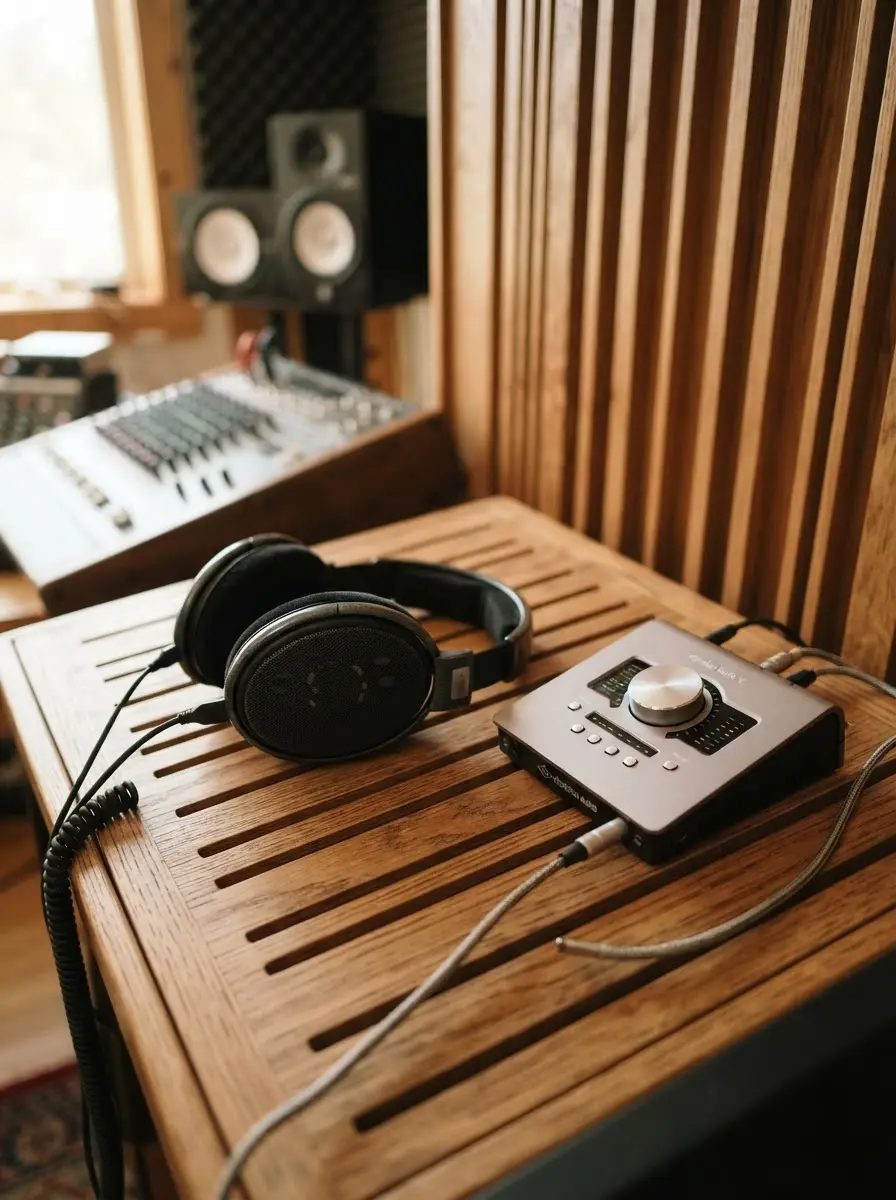
AI-generated editorial illustration; not a product or test photograph.
Short answer
For professional production, use closed-back headphones like the beyerdynamic DT 770 Pro for tracking to block mic bleed, and open-back models like the beyerdynamic DT 990 Pro for critical mixing. Always prioritize wired, low-latency performance and modular build quality over wireless features or preamp marketing claims.
5
Product listings discussed; not hands-on tests
5/5
Discussed listings with a recorded price
$59.00–$199.99
Recorded listing price range; not a complete setup cost
Key takeaways
Closed-back headphones provide the acoustic isolation necessary for recording vocals and instruments.
Open-back headphones offer a natural soundstage for accurate mixing and balance decisions.
Impedance must match your audio interface's power output to avoid thin or distorted audio.
Replaceable parts, such as ear pads and cables, are critical for maximizing your hardware investment.
Treating your room acoustics remains the most effective way to improve overall monitoring accuracy.
Products discussed in this article
Editorial scores and recorded prices are reference points, not measurements of suitability for every use. Read each review's specifications and limitations.
Audio-Technica ATH-M50X Professional Studio Monitor8.5
beyerdynamic DT 990 Pro (250 Ohm), Open-Back Studio7.0
beyerdynamic DT 770 Pro (80 Ohm), Closed-Back Studio8.4
Sony MDR7506 Professional Large Diaphragm Headphone8.1
Audio-Technica ATH-M20x Professional Studio Monitor7.9
Recorded price (USD)
Audio-Technica ATH-M50X Professional Studio Monitor$159.00
beyerdynamic DT 990 Pro (250 Ohm), Open-Back Studio$199.99
beyerdynamic DT 770 Pro (80 Ohm), Closed-Back Studio$199.99
Sony MDR7506 Professional Large Diaphragm Headphone$113.00
Audio-Technica ATH-M20x Professional Studio Monitor$59.00
Comparison of Recommended Studio Monitoring Headphones
Product
Design Type
Impedance
Best For
ATH-M50X
Closed-back
Unknown
Tracking
DT 990 Pro
Open-back
250 Ohm
Mixing
DT 770 Pro
Closed-back
80 Ohm
Tracking
MDR7506
Closed-back
Unknown
Editing
ATH-M20x
Closed-back
Unknown
Budget
Closed-Back Versus Open-Back Architecture
Understanding the physics of sound isolation is the foundation of studio monitoring. Closed-back headphones use a sealed acoustic chamber to provide passive noise attenuation. This is an absolute requirement for tracking, as it prevents headphone spill from entering your high-gain microphones. When recording vocals or acoustic instruments, you need this mechanical barrier to ensure that your backing tracks do not pollute the raw capture. Models like the Audio-Technica ATH-M50X provide a strong acoustic seal that remains reliable under the physical demands of professional tracking sessions.
Conversely, open-back headphones feature porous earcups that allow for a natural soundstage by letting air move through the drivers. This reduces the standing waves and internal reflections common in sealed models, providing an analytical view of your mix's depth and stereo placement. Because these headphones do not block outside sound, they are never appropriate for tracking, but they are essential for mixing and mastering. Utilizing open-back headphones can significantly reduce listener fatigue, allowing you to work on balancing tracks for longer periods without the ear pressure build-up associated with closed designs. Our reviews indicate that engineers who build a hybrid setup—using a closed pair for recording and an open pair for the mixing phase—often achieve the best results in music production.
When selecting your gear, prioritize models designed with longevity in mind. Professional tools often get bumped or snagged in the studio; choosing units with swappable cables or ear pads allows you to extend the product life cycle significantly. A common mistake is buying consumer-grade headsets that cannot be repaired, forcing a full replacement when a simple cable or pad wears out. Always investigate whether replacement parts are readily available from the manufacturer before purchasing your main reference set.
Impedance, measured in ohms, dictates how effectively your USB audio interface can power your headphones. A 250-ohm model like the beyerdynamic DT 990 Pro requires a substantial voltage swing to reach comfortable listening levels and operate within its linear performance range. If you drive such a high-impedance unit with an underpowered consumer output—like a laptop jack or a budget interface—the frequency response can shift, leading to weak bass and distorted transients. For this reason, always verify your interface’s output capabilities before committing to a high-impedance reference.
For most home studios, the 80-ohm beyerdynamic DT 770 Pro serves as a gold-standard compromise. These headphones provide professional-grade detail while remaining sensitive enough to be driven by standard audio hardware without needing an expensive dedicated amplifier. This accessibility is a key buying tip for producers who need to jump between different setups, including mobile interfaces or rehearsal gear. If your interface lacks the headroom to properly power your headphones, you will inevitably end up overcompensating during your mix, which is a classic error in home recording.
Marketing copy for interfaces often highlights "pro-grade preamps," but in reality, the digital-to-analog conversion and the raw output voltage at the headphone jack are the factors that determine your monitoring reality. Always research the specific electrical specs if you are pairing high-ohm reference cans with an interface that is limited by USB bus power. A reliable, low-impedance headphone will consistently outperform a superior high-impedance model if the interface cannot drive it correctly. When working within a budget, ensure your interface selection allows for enough power output to maintain the integrity of the headphone signal, as this ensures you hear exactly what is being recorded without artifacts.
Do not expect new speakers to solve room reflection issues. Proper acoustic treatment, including bass traps, is essential before you can rely on any monitor setup for critical mix decisions.
The Role of Round-Trip Latency in Tracking
In a recording environment, latency is the delay between a performer hitting a note and hearing it back in their headphones. If this round-trip time is too long, it destroys the timing and feel of a performance. While many modern audio interfaces promise near-zero latency, you must ensure your system—including your computer and DAW buffer settings—is truly optimized for fast response. Professional interfaces offer direct hardware monitoring, which routes your mic signal to your headphones before it ever hits the computer's CPU. This feature is essential for performers to maintain a tight feel during tracking sessions.
When using closed-back headphones, you must ensure your setup allows for this direct routing. If you rely on software-based monitoring within your DAW, you often introduce buffer delays that result in a hollow, phasing sound in the headphones. The Sony MDR7506 is a industry staple for this purpose; its high-frequency profile makes it excellent for catching sibilance and timing issues, and its closed-back design prevents any click track from bleeding into your vocal mic. Using a high-quality, low-latency interface is significantly more impactful for performance quality than selecting a more expensive microphone or preamp.
Producers often wonder if what an audio interface does really involves more than just plugging in a mic. In practice, the driver stability is what defines a professional-grade interface. Interfaces with stable, long-term driver support allow you to run smaller buffer sizes, which decreases round-trip latency. For vocal tracking or MIDI sequencing, this is critical. Always check user forums and official tech specs for low-latency performance reports before you finalize your purchase. Investing in a stable, fast interface ensures that you spend your time making music rather than troubleshooting buffering issues while a performer is waiting in the booth.
Many new producers fall into the trap of believing that buying expensive studio monitors or high-end headphones will fix a poorly sounding mix. However, your monitoring chain is only as accurate as your environment. In an untreated room, acoustic reflections bounce off walls, desks, and ceilings, creating phase interference that colors your sound regardless of how good your gear is. Treating your room with broadband absorption panels and bass traps should always take priority over upgrading your monitor speakers.
Headphones offer a temporary escape from poor room acoustics because they bypass the room entirely. However, mixing exclusively on headphones can make it difficult to judge the realistic weight and space of a mix, as the stereo imaging in headphones is significantly wider than what you would experience with speakers in a treated room. A balanced workflow often involves checking your mix on both studio headphones and nearfield monitors. For compact studios, small reference monitors like the Yamaha HS4 or PreSonus Eris 3.5 can work well, provided you have managed the boundary reflections by placing them on stands away from the wall.
If your music production space is limited, remember that monitor size is not the only metric. A pair of 4-inch or 5-inch monitors in a well-treated room will always provide more honest feedback than 8-inch speakers in an empty, reflective room. Do not be swayed by marketing claims suggesting that a specific speaker is "tuned for any room." Physics dictates that low-end standing waves will occur in any enclosed space. Using a combination of reliable reference headphones for low-end and spatial analysis, alongside properly positioned nearfield monitors, provides the most comprehensive monitoring strategy for project studios. Consistency across these two references is key to ensuring your mixes translate well to external systems like cars and home stereos.
Before buying any headphones, ensure your audio interface has stable, low-latency ASIO drivers. These drivers are the most critical element for a successful tracking and monitoring workflow.
Maintenance and Long-Term Value
Studio gear is subject to consistent mechanical wear, especially regarding cables and ear pads. Professional headphones often feature a modular design that allows for field serviceability. The Audio-Technica M-series for instance, is highly regarded for this, as their detachable cable systems prevent the common failure points that often render consumer headphones useless. When cables fray or ear pads lose their foam density, being able to replace these parts prevents the need to buy an entirely new unit. This serviceability is a primary indicator of a professional-grade studio tool.
Consider the two-year warranties typically provided by companies like Audio-Technica and beyerdynamic. This coverage provides a baseline safety net for internal driver failures or manufacturing defects. While high-end headphones often command a premium, the ability to maintain them for five to ten years significantly reduces the lifetime cost of ownership. Many project studio owners build their monitoring chains by choosing gear with replaceable parts, ensuring their workflow is not interrupted by equipment failure. Always verify whether the earpads are standard sizes that are easy to find, as this makes ongoing maintenance simple and inexpensive.
Avoid selecting products that require proprietary or discontinued cables. A common issue with some older designs or budget options is a non-detachable cable; if this breaks, it requires internal soldering, which adds complexity and risk to what should be a simple repair. By selecting headphones from a brand that supports modular components, you are investing in a product ecosystem that adapts to your career growth. When reviewing the product data for a new set of headphones, check the "Replaceable Parts" spec. This simple search can save you hundreds of dollars over the lifespan of your project studio. Always choose utility and durability over purely aesthetic designs that lack clear serviceability pathways.
Achieving professional mixes requires a consistent chain of reference. Your monitoring chain begins at the digital-to-analog converter in your interface and ends at your ears. By standardizing your references—for example, always using the same set of headphones for your final EQ balance passes—you learn the frequency response of your gear, effectively calibrating your own hearing to that specific tool. Even headphones with slight emphasis, like the popular Sony MDR7506, can be mastered once you understand how they relate to a neutral, flat-response reference.
Consistency also requires careful attention to your gain staging. If you push your signal too hot into your interface, you introduce distortion that might sound like a characteristic of the headphone, leading to poor decision-making. Always calibrate your system so that your peak signal levels remain safe while giving your monitoring chain enough headroom to operate cleanly. Use the meters in your DAW to ensure you are not clipping the output before it reaches your interface. If you are ever in doubt, check your mixes against high-quality commercial references using the same pair of headphones. This comparison exercise is a crucial part of building your music production expertise.
Finally, consider how your environment influences your fatigue. Monitoring at high volumes not only risks hearing damage but also masks frequency inconsistencies in your mix. A healthy studio habit is to monitor at lower, consistent volumes. Headphones that offer a high degree of clarity at lower levels—such as the open-back models mentioned earlier—are better for long-term ear health. Professional studio engineers maintain their listening stamina by avoiding "ear-blasting" volumes. By combining your analytical tools with disciplined listening habits, you ensure that your mixing decisions remain grounded in objective accuracy, regardless of the complexity of your arrangement or the specific genre you are currently producing.
1Assess your current studio environment for reflections and acoustic issues.
2Compare your existing interface driver stability against DAW requirements.
3Identify your primary usage: recording (closed-back) or mixing (open-back).
4Match your headphone impedance to the interface output voltage capability.
5Establish a workflow that uses direct hardware monitoring during tracking.
6Standardize your monitoring chain to learn the response of your chosen gear.
Quick checklist
Determine if you need closed-back for tracking or open-back for mixing.
Check your interface output power against headphone impedance specs.
Ensure your chosen model has replaceable ear pads and cables.
Prioritize low-latency direct monitoring on your interface.
Allocate funds for room acoustic panels before high-end monitor speakers.
Test your mix translation across multiple professional reference points.
Frequently asked questions
Can I use wireless headphones for studio production?
No. Wireless headphones introduce round-trip latency that makes real-time monitoring impossible, and Bluetooth compression artifacts mask critical details in your mix. Professional production requires a wired connection to ensure zero-latency audio and high-fidelity, uncompressed signal path reliability.
What happens if I use high-impedance headphones without an amp?
If your headphones require high voltage (like 250-ohm models) and your interface cannot supply it, you will experience significantly reduced volume, thin frequency response, and poor transient definition. It is essential to match your headphones to an interface capable of driving them effectively.
Why are closed-back headphones mandatory for tracking?
Closed-back headphones create a physical seal around the ear, preventing high-volume playback from leaking into sensitive vocal or instrument microphones. This isolation ensures that your raw recording is clean and free from unwanted bleed, which is impossible to remove during the editing process.
Are gaming headsets suitable for home studios?
Gaming headsets are generally designed with artificial EQ curves—such as boosted bass—to enhance immersion, which makes them unsuitable for neutral, analytical mixing. Additionally, they usually lack professional driver support, leading to latency and playback issues within a digital audio workstation.
How do I fix ear fatigue during long mixing sessions?
Ear fatigue often results from excessive monitoring volume or the pressure build-up caused by sealed closed-back headphones. Switch to open-back models for mixing to allow airflow, and practice mixing at moderate volumes to maintain your hearing precision and stamina over extended sessions.
Amazon links are affiliate links; we may earn a commission at no cost to you.
Shortlists in this category
Ranked lists from our music production reviews, limited to listings whose titles confirm the product type, with budget cuts where enough recorded prices sit on both sides of the line.
This page summarizes our research reviews of Amazon listings, listed specifications and captured buyer ratings. It is not a hands-on test. Scores are editorial assessments, not measured performance; prices are recorded snapshots and may change. A category can include both main products and accessories, so its overall price range is not the cost of a complete setup.
Most recent product record update: September 29, 2026. Individual records may be older; this is not a verification date for every claim. Prices on this page were read from the listings Sep 29, 2026 – Nov 11, 2026.
Choose the product type first. These groups require a match in the listing title; an import search term alone is not enough. Scores rank our recorded research assessments within each group, not independently measured performance.
Values are shown as recorded, without unit conversions or inferred compatibility. Not recorded means unknown, not absent. Prices are snapshots, not current offers. Editorial scores are research judgments, not lab results. Amazon links are affiliate links.
Before treating a comparison as complete
Which details are still unknown?
A specification appearing in a listing is not independent verification. These counts show which shortlisted records contain the same field; a blank record does not mean the product lacks the feature.
Age Range Description
Recorded for 2 of 2 shortlisted models
Present in every shortlisted record. Check units, exact variants and the current manufacturer documentation before relying on it.
Built-In Media
Recorded for 2 of 2 shortlisted models
Present in every shortlisted record. Check units, exact variants and the current manufacturer documentation before relying on it.
Customer Package Type
Recorded for 2 of 2 shortlisted models
Present in every shortlisted record. Check units, exact variants and the current manufacturer documentation before relying on it.
Series Number
Recorded for 2 of 2 shortlisted models
Present in every shortlisted record. Check units, exact variants and the current manufacturer documentation before relying on it.
Warranty Description
Recorded for 2 of 2 shortlisted models
Present in every shortlisted record. Check units, exact variants and the current manufacturer documentation before relying on it.
Round-trip latency and driver quality beat preamp marketing.
Treat the room before upgrading the monitors.
Closed-back for tracking, open-back for mixing.
If a specification, certification or compatibility detail is absent, mark it as unknown and ask the seller or manufacturer. Do not substitute a star rating, an editorial score or a different model's specification.