We evaluated mechanical keyboards for coding endurance, analyzing mounting styles, hot-swap flexibility, keycap materials, and everyday programming ergonomics.
By the Niche Picks editorsUpdated October 7, 20269 min readDrawn from our 30 research-based mechanical keyboards & desk accessories reviews
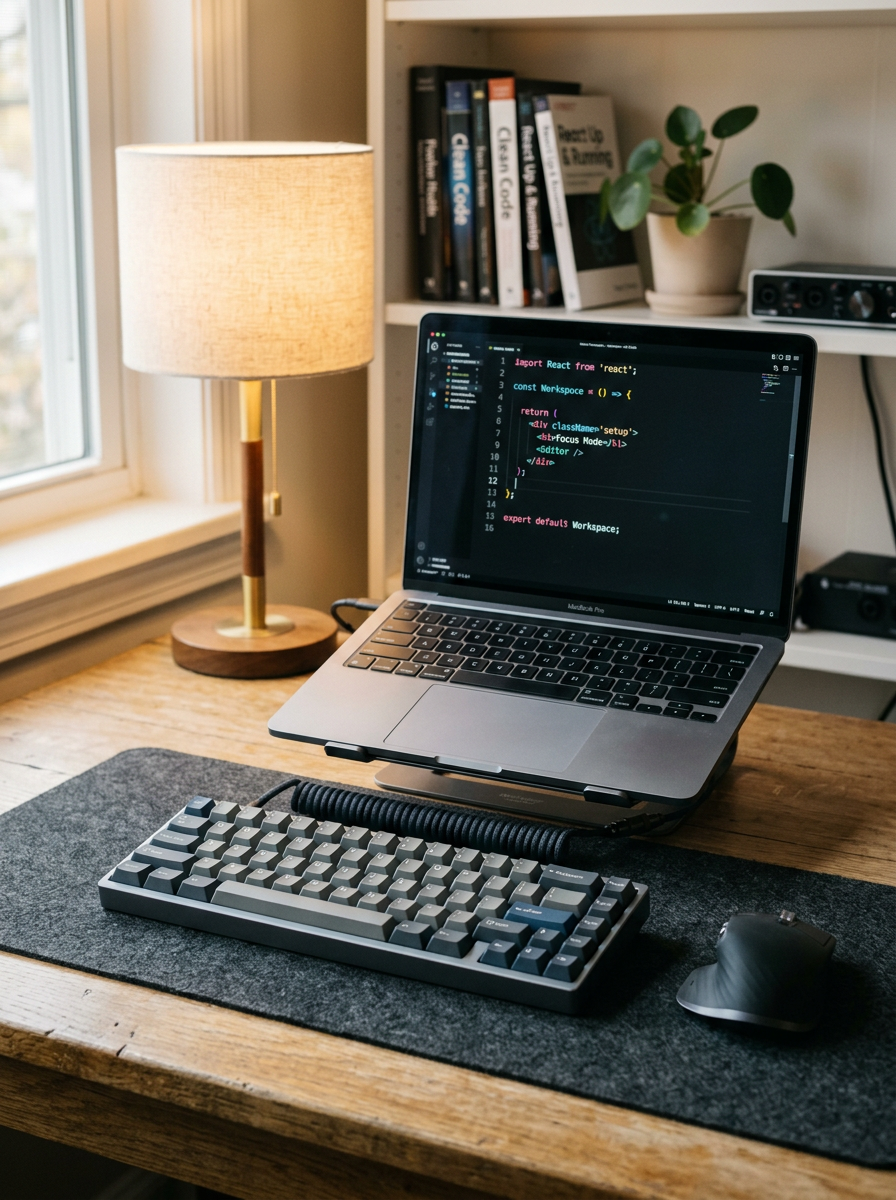
AI-generated editorial illustration; not a product or test photograph.
Short answer
The best keyboard for programming balances comfortable actuation, structural sound dampening, and long-term durability. For compact setups, the AULA F75 Pro leads with five internal dampening layers, pre-lubricated linear switches, and hot-swappable sockets. For multi-device workflows across operating systems, the low-profile Logitech MX Mechanical offers tactile switches and seamless wireless connectivity.
4
Product listings discussed; not hands-on tests
4/4
Discussed listings with a recorded price
$39.99–$139.99
Recorded listing price range; not a complete setup cost
Key takeaways
Mounting structure and case foam influence bottom-out impact and acoustic resonance more than switch branding alone.
Hot-swappable switch sockets protect your investment, letting you replace worn switches or alter tactile feedback without desoldering.
Keycap durability depends on resin quality and usage; textured PBT resists grease and finger shine significantly longer than untreated ABS.
A compact 75% form factor brings the mouse closer to your home row, while full-size boards preserve dedicated numpads and hotkeys for data-heavy workflows.
Products discussed in this article
Editorial scores and recorded prices are reference points, not measurements of suitability for every use. Read each review's specifications and limitations.
Comparison of top keyboards for programming workflows
Product
Price
Form Factor
Switch Mechanism
Hot-Swappable
Keycap Material
AULA F75 Pro
$69.99
75% Compact (81 Keys)
Pre-lubed Linear
Yes (3-pin & 5-pin)
Double-shot PBT
Logitech MX Mechanical
$139.99
Full Size (Low Profile)
Low-Profile Tactile
No
Coated ABS
Logitech G413 SE
$69.49
Full Size (108 Keys)
Tactile Mechanical
No
Standard PBT
Redragon K668
$39.99
Full Size (108 Keys)
Linear Red
Yes (3-pin & 5-pin)
Unspecified (ABS)
What should developers look for in a programming keyboard?
Selecting the right keyboard for software engineering requires prioritizing sustainable ergonomics and physical durability over aggressive aesthetics. Coders spend thousands of hours executing syntax shortcuts, navigating complex file trees, and entering repetitive alphanumeric sequences. A sub-standard board with a stiff bottom-out or excessive switch wobble can quickly cause finger fatigue during marathon debugging sessions.
Key travel and switch action are critical to maintaining typing rhythm. Programmers generally prefer either smooth linear switches for rapid, low-resistance actuation or subtle tactile switches that provide a physical bump before bottoming out. However, focusing solely on switch color or brand name overlooks the deeper mechanical elements that govern typing feel. As detailed in our mechanical keyboards guide, internal mounting and dampening alter the tactile experience far more than isolated switch specs.
Form factor also dictates your desk posture. Compact layouts like 75-percent designs eliminate the numeric keypad to bring your navigation hand closer to the mouse, reducing shoulder strain. Conversely, backend engineers dealing with numerical entry or database seeding may still require a full 104- or 108-key layout. Firmware versatility and multi-platform compatibility across Windows, macOS, and Linux are equally vital, ensuring that special characters and modifier keys map accurately to your terminal environment.
Finally, component modularity protects your purchase from premature obsolescence. Keyboards equipped with hot-swappable sockets let you swap individual faulty switches or alter actuation weighting whenever your preferences shift. If you are balancing workstation features against your overall hardware budget, our budget planner helps align peripheral costs with everyday workflow requirements.
Why case dampening and mounting structure matter more than switch brand
Enthusiasts often fixate on switch manufacturers, but the internal architecture of a mechanical keyboard plays the decisive role in how a board feels and sounds under continuous typing. Traditional mass-market peripherals employ stiff, integrated tray-mount construction, screwing the metal or plastic switch plate directly into the bottom case. This design creates a harsh, unyielding bottom-out sensation that sends shockwaves directly into your fingertips, which can exacerbate fatigue during prolonged coding stints.
Modern custom keyboard engineering addresses this via flexible mounting assemblies, such as gasket mounting or slotted circuit boards paired with silicone cushions. These designs suspend the plate within dampening materials, distributing keystroke energy evenly across the entire surface. The result is a softer bottom-out that absorbs finger impact, allowing you to code for hours without the jarring feedback associated with rigid tray-mount enclosures.
Internal dampening layers are equally essential for managing acoustic clatter. Hollow plastic cases act like echo chambers, amplifying the high-frequency ping of switch springs and the snap of keycap downstrokes. Multi-layered dampening—typically utilizing dense foam pads, slotted printed circuit boards (PCBs), and silicone bottom sheets—traps vibrational energy before it escapes the enclosure.
When evaluating choices in our mechanical keyboards category, looking for multi-layered acoustic treatment ensures you get a deep, clean sound profile suitable for shared open-plan offices and video calls. For a deeper breakdown of common layout traps and structural oversights, consult our guide to common mechanical keyboard mistakes.
Best compact programming keyboard: AULA F75 Pro
For software developers seeking a space-saving layout without sacrificing dedicated navigation keys, the AULA F75 Pro delivers exceptional value at its $69.99 listed price. With an overall editorial score of 8.7 and a 4.6-star customer average across more than 1,800 reviews, this 75-percent board packs advanced acoustic engineering typically reserved for bespoke DIY kits.
Inside its 81-key footprint, the F75 Pro utilizes a single-key slotted circuit board paired with an extended silicone pad and five separate layers of sound-absorbing material. This internal stack isolates vibrations, virtually eliminating the hollow case ping that plagues budget typing tools. The keyboard comes factory-equipped with LEOBOG Reaper linear switches and lubricated plate-mounted stabilizers, ensuring smooth stem travel and quiet keypresses out of the box. Programmability is reinforced by universal 3-pin and 5-pin hot-swap sockets, allowing you to easily substitute tactile switches or aftermarket stems in the future.
The board is fitted with double-injection, dye-sublimated PBT keycaps. The textured surface resists finger shine and oil degradation, maintaining its matte finish through intense everyday use. However, buyers should note that the legends are side-printed on this specific configuration, which can reduce visibility in poorly lit coding dens. Connectivity is versatile, featuring tri-mode support across Bluetooth 5.0, 2.4GHz wireless, and a detachable USB-C interface powered by an internal 4000mAh battery. For an in-depth standalone evaluation, read our full AULA F75 Pro wireless review.
Best low-profile multi-device option: Logitech MX Mechanical
Developers moving frequently between work laptops, personal desktops, and test rigs often require low-friction wireless pairing across multiple operating systems. The Logitech MX Mechanical addresses this workflow with native multi-OS compatibility across Windows, macOS, ChromeOS, and Linux. Retailing at $139.99 with a 4.2-star customer rating across more than 2,200 reviews, it provides a dependable, slim desktop footprint.
Weighing 828 grams with a low 26.1 mm profile, the MX Mechanical features an aluminum top plate fixed over a chassis made with 45 percent post-consumer recycled plastic. Its short-travel, low-profile tactile quiet switches actuate with a subtle physical bump, facilitating brisk text entry without making loud auditory clicks during virtual meetings. Smart backlighting activates via proximity sensors as your hands hover over the keys, dimming when idle to conserve its 1500 mAh battery. Logitech rates operational life at up to 15 days with active illumination, or up to 10 months with backlighting disabled.
While its productivity features are thoroughly polished, hardware tinkerers should recognize its limitations. The MX Mechanical lacks hot-swappable switch sockets, meaning you cannot repair or alter the internal switches if your typing preferences evolve. Additionally, its internal construction adheres to an integrated tray mount without internal sound-dampening foam, resulting in a firm, reverberant bottom-out. The laser-etched keycaps also omit PBT material, suggesting thin ABS plastic that will polish smooth over sustained typing. If you prefer low-profile switches and standard multi-device switching over modular customization, it remains a capable office productivity tool.
If your programming tasks require a full 108-key layout with a dedicated numeric keypad for numerical data manipulation, the Logitech G413 SE offers a rugged, wired option at $69.49. Backed by a 4.5-star rating across 1,655 consumer reviews, this model provides structural stability through an attractive brushed aluminum-magnesium alloy top case.
The headline asset of the G413 SE at this price point is its inclusion of stock PBT keycaps. Unlike basic ABS caps that develop an unsightly, slippery gloss under daily friction, these PBT caps retain their textured matte surface and resist degradation from finger oils over long programming sessions. White LED backlighting shines cleanly through the legends, providing dependable contrast for late-night terminal sessions.
Performance is driven by proprietary tactile mechanical switches that deliver an unambiguous actuation threshold, providing positive physical confirmation for every syntax command. However, the board's internal design remains basic. Logitech omits internal case foam, silicone dampening layers, and gasket mounts, resulting in a stiff bottom-out feel and a metallic acoustic resonance as switch vibrations rebound through the aluminum shell. Input processing is capped at 6-key rollover with anti-ghosting; while 6-key rollover handles standard coding and typing comfortably, it lacks the full N-key rollover found on modern gaming boards. Additionally, the soldered switches cannot be hot-swapped, limiting future maintenance options.
Best budget full-size hot-swap platform: Redragon K668
Software engineers on a strict budget who still demand modularity and a full layout should consider the Redragon K668. Priced at an accessible $39.99, it achieves a 4.5-star rating across more than 1,500 evaluations by delivering a comprehensive 108-key layout that includes four dedicated utility hotkeys for quick access to system shortcuts.
The standout engineering feature on the K668 is its universal hot-swappable switch matrix. Compatible with both 3-pin and 5-pin mechanical switches, the PCB allows users to replace degraded switches or experiment with different tactile weights without touching a soldering iron. It arrives configured with generic red linear switches, which actuate smoothly without loud acoustic clicks, making it acceptable for shared workspaces. Anti-ghosting across the matrix ensures accurate input registration during fast typing.
To hit its sub-$40 price point, the K668 makes noticeable structural compromises. The chassis relies entirely on an unlined plastic enclosure without gasket suspension or multi-layered case foam, producing a distinctly hollow acoustic clatter when bottoming out keys. The manufacturer bundles two sets of mixed-color keycaps to vary styling, but the product listing omits the specific polymer formulation, suggesting standard ABS construction that may shine with heavy friction. For coders seeking an inexpensive full-size keyboard to modify with their own aftermarket switches and dampening foam, the K668 offers a versatile, low-cost baseline.
Keycap materials compared: evaluating PBT vs. ABS for heavy coding
Because programming involves hours of continuous contact on specific command keys—such as brackets, arrow clusters, and modifier rows—keycap longevity is a central consideration when shopping for a mechanical board. Keycaps are primarily manufactured from two standard thermoplastics: Acrylonitrile Butadiene Styrene (ABS) and Polybutylene Terephthalate (PBT).
ABS is an impact-resistant polymer that is easy to mold, resulting in crisp legends and vibrant colorways. However, standard ABS has a relatively low surface hardness. Under repeated friction from typing and natural skin oils, the micro-textured surface of an ABS keycap wears down quickly, developing a slippery, greasy-looking 'shine' within months of rigorous use. While premium, ultra-thick ABS exists, the thin ABS keycaps typically bundled on budget keyboards degrade rapidly.
PBT is a harder, more crystalline thermoplastic that naturally resists finger friction and solvent degradation. PBT keycaps feature a dry, textured feel that remains consistent across years of use, avoiding premature surface wear. Manufacturing methods also influence long-term legibility. Double-shot molding fuses two separate plastic layers together so that the legends cannot physically rub off, whereas dye-sublimation bakes dye directly into the plastic grain.
PBT keycaps resist shine and retain their textured feel under heavy coding loads.
Standard ABS keycaps are prone to early smoothing and surface grease accumulation.
Double-shot legends provide permanent contrast without fading or wearing off.
Select an ergonomic form factor (75% to reduce mouse reach, or full-size if you require a numpad)
Verify whether the PCB includes 3-pin or 5-pin hot-swap sockets for long-term switch maintenance
Inspect internal mounting specs for multi-layer case foam or gasket cushions to reduce bottom-out harshness
Check keycap composition to ensure wear-resistant PBT is included if you want to avoid finger shine
Confirm connection options (wired USB-C, 2.4GHz wireless dongle, or Bluetooth) match your workstation layout
Ensure operating system compatibility so essential modifier keys and terminal shortcuts map cleanly
Frequently asked questions
Is a linear or tactile switch better for programming?
Switch preference is largely personal, but linear switches offer smooth, consistent travel that reduces finger fatigue during rapid typing. Tactile switches supply a subtle physical bump at the actuation point, giving developers clear tactile confirmation when executing commands without needing to bottom out the key.
Why do programmers prefer 75-percent keyboards?
A 75-percent layout retains dedicated arrow keys, functional navigation keys, and the top function row while eliminating the numeric keypad. This narrow profile allows the mouse to sit closer to the typing home row, reducing lateral shoulder rotation during extended computer sessions.
Does internal keyboard foam really make a difference for typing?
Yes. Internal case foam, switch pads, and silicone dampeners absorb the shock and acoustic resonance of keys striking the plate. This dampening creates a softer, more uniform bottom-out feel and eliminates the hollow pinging sound common in budget uninsulated keyboards.
Can I replace switches on any mechanical keyboard?
Only keyboards built with hot-swappable sockets allow you to pull and swap switches without desoldering. Traditional mechanical keyboards feature switches soldered directly to the circuit board, requiring specialized soldering equipment to replace individual components.
Will PBT keycaps prevent keyboards from getting shiny?
PBT plastic is harder and more solvent-resistant than standard ABS plastic, allowing it to maintain its textured matte finish across millions of keystrokes. While high-stress areas may eventually smooth under extreme long-term use, PBT resists grease and finger polish far better than ABS.
Amazon links are affiliate links; we may earn a commission at no cost to you.
Sources and limits
This page summarizes our research reviews of Amazon listings, listed specifications and captured buyer ratings. It is not a hands-on test. Scores are editorial assessments, not measured performance; prices are recorded snapshots and may change. A category can include both main products and accessories, so its overall price range is not the cost of a complete setup.
Most recent product record update: September 14, 2026. Individual records may be older; this is not a verification date for every claim.
Compare the same kind of mechanical keyboards & desk accessories
Choose the product type first. These groups require a match in the listing title; an import search term alone is not enough. Scores rank our recorded research assessments within each group, not independently measured performance.
Gasket mounting and case foam change feel more than switch brand.
Hot-swap sockets keep a board useful after your taste shifts.
Compare keycap material, thickness and finish; wear depends on the formulation and use, not a guaranteed lifespan for PBT or ABS.
If a specification, certification or compatibility detail is absent, mark it as unknown and ask the seller or manufacturer. Do not substitute a star rating, an editorial score or a different model's specification.


 AULA F75 Pro Wireless Mechanical Keyboard,75% Hot Swappable Custom Keyboard with Knob,RGB