How to Reset Your Fitbit Tracker: A Complete Guide
Learn how to effectively reset your Fitbit tracker to troubleshoot issues and restore factory settings for a fresh start.
By the Niche Picks editorsUpdated November 8, 20269 min readDrawn from our 31 research-based fitness trackers & smartwatches reviews
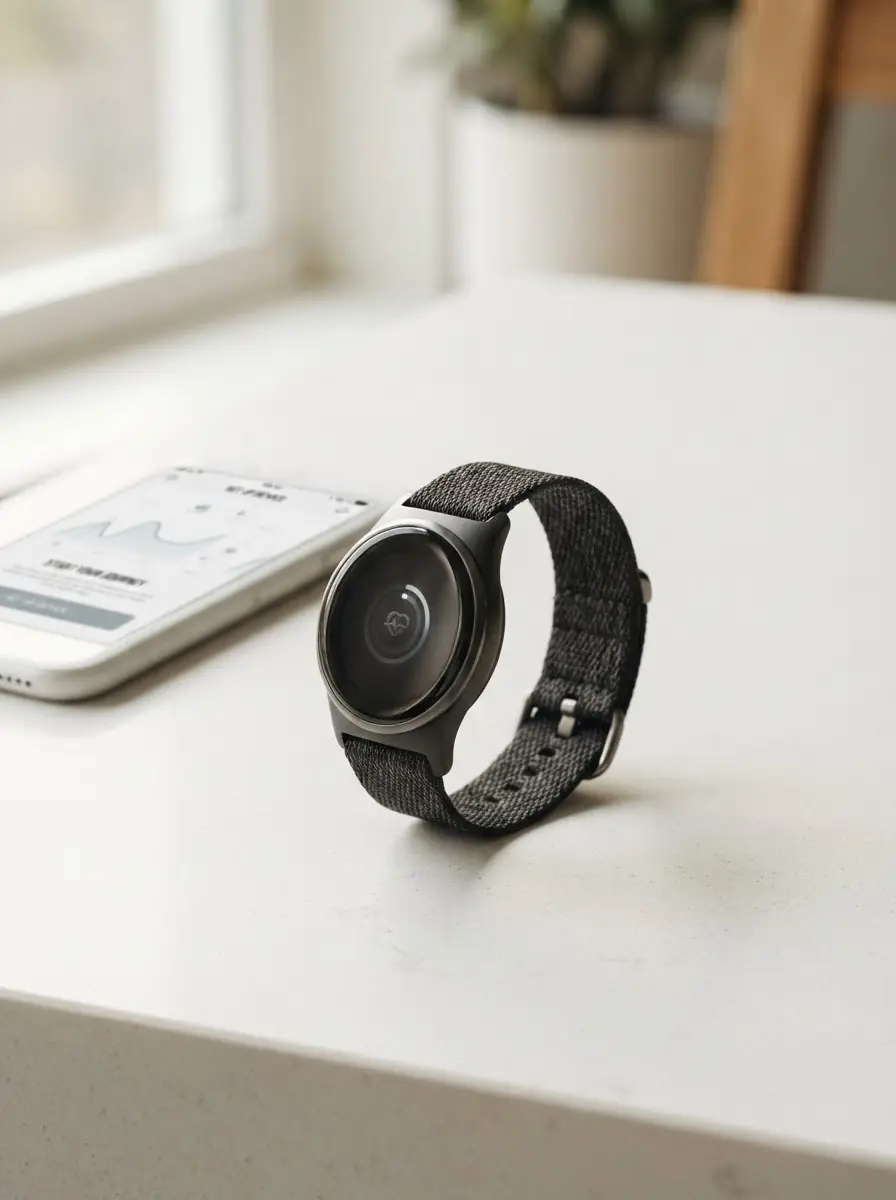
AI-generated editorial illustration; not a product or test photograph.
Short answer
To reset your Fitbit, you typically perform a 'restart' via the settings menu on the device or by holding the side button until the screen flashes. If you need to remove your personal data entirely, a factory reset is required through the device's 'Settings' menu under the 'Device Info' section. Always sync your data first to avoid losing progress.
3
Product listings discussed; not hands-on tests
3/3
Discussed listings with a recorded price
$69.95–$123.99
Recorded listing price range; not a complete setup cost
Key takeaways
A standard restart is the safest first step to resolve minor display or syncing bugs.
Factory resets wipe all user data and should be used as a last resort before selling or pairing with a new account.
Always ensure your Fitbit is synced with the mobile app before initiating a factory reset to prevent permanent data loss.
Not all Fitbit devices feature the same button layout, so refer to your specific manual if the standard restart fails.
If a reset doesn't fix persistent issues, check the category/fitness-trackers for troubleshooting tips regarding hardware limitations.
Products discussed in this article
Editorial scores and recorded prices are reference points, not measurements of suitability for every use. Read each review's specifications and limitations.
Google Fitbit Inspire 3 - Midnight Zen/Black - Small7.2
Google Fitbit Charge 6 - Fitness Tracker7.3
Fitbit Google Air - Screenless Activity Tracker7.4
Recorded price (USD)
Google Fitbit Inspire 3 - Midnight Zen/Black - Small$69.95
Google Fitbit Charge 6 - Fitness Tracker$123.99
Fitbit Google Air - Screenless Activity Tracker$99.99
Comparison of Recommended Fitness Trackers
Product
Primary Use
Water Resistance
GPS Capability
Est. Price
Fitbit Inspire 3
Casual tracking
50m
Smartphone-linked
$69.95
Fitbit Charge 6
Dedicated fitness
50m
Built-in GPS
$123.99
Fitbit Google Air
Passive tracking
50m
Smartphone-linked
$99.99
Why Should You Reset Your Fitbit?
Resetting your wearable, such as the Google Fitbit Inspire 3, is a standard maintenance procedure when the device exhibits abnormal behavior. Common signs that your tracker needs a reboot include the display failing to wake upon wrist movement, inaccurate step or heart rate reporting that persists after a period of rest, or connectivity failures during phone syncing. Before you panic about hardware failure, a soft reboot often clears the temporary software cache causing the malfunction. This procedure is entirely safe and does not delete your historical health logs, as that data is stored in the cloud upon your last successful sync.
If you encounter ongoing issues where the device refuses to maintain a connection or consistently fails to log basic metrics like sleep stages or heart rate, you might be dealing with a corrupted firmware file. In these specific cases, a factory reset might be necessary, though it should be handled with care. It is helpful to remember that budget-friendly devices often rely on simplified internal hardware that may occasionally struggle with data processing, which is why maintaining a clean, up-to-date operating state is essential. You can find more tips on keeping your device efficient in our guide/fitness-trackers.
Finally, if you are planning to upgrade to a newer model, a factory reset is mandatory for privacy and data security. Clearing the memory ensures that the next owner does not gain access to your biometric trends, heart rate variability, or location history. If you are questioning if your current device is still meeting your needs, read our article on articles/fitness-tracker-vs-smartwatch to determine if you need an upgrade to a more robust platform. Proper maintenance ensures your device lasts longer and provides consistent data.
Performing a Standard Restart
A standard restart is the non-destructive way to 'reboot' your Google Fitbit Charge 6. For most models equipped with a touchscreen, you can navigate to the 'Settings' menu by swiping through the interface. Look for an option labeled 'About' or 'Device Info'—this menu typically houses the 'Restart Device' command. Upon tapping this, the screen will likely go dark and then present the Fitbit logo, indicating a successful reboot. For devices that feel 'frozen' or unresponsive to touch inputs, you can often trigger a forced restart by pressing and holding the side button (or the haptic inductive button) for approximately 10 to 15 seconds.
It is important to understand that manufacturers often update the interface in new firmware versions, so if the menu path seems slightly different, check your official device documentation. During this process, the screen may flicker or flash—this is normal. Once the device completes the reboot, you may need to wait a few moments for it to re-establish a Bluetooth handshake with your smartphone. If you find the device continues to show sensor lag, remember that optical sensors on these trackers can struggle with high-intensity interval heart rate spikes. In such cases, you might supplement your training with a device like the Powr Labs Bluetooth ANT+ Heart Rate Monitor Chest Strap for more accurate data collection. Understanding when a reset is enough versus when hardware limitations are at play is a key skill for any athlete.
Data Loss Risk
A factory reset permanently deletes all stored health data on the device. Always perform a final sync with the companion app before proceeding.
How to Perform a Factory Reset
A factory reset is a more intensive operation that restores your Fitbit Google Air to its original 'out-of-the-box' state. This process effectively wipes all stored exercise data, user profiles, and customized settings, returning the device to the firmware version it shipped with. Because this step is irreversible regarding local data, it is imperative to ensure that you have performed a final 'Force Sync' within the Fitbit companion mobile app. Once the process initiates, the device will erase its internal memory and the link between your wrist-worn hardware and your phone will be severed. This is the correct procedure when you are preparing to donate or sell your tracker.
To perform this, locate the 'Settings' menu on your specific device. Navigate to the section often labeled 'Device Info' or 'Clear User Data.' You will typically be prompted to confirm the action, as the device will warn you that data will be permanently deleted. This is a deliberate hurdle to prevent accidental wipes. If you are doing this because you suspect the tracker is inaccurate, you should also review our article on mistakes/fitness-trackers to ensure you aren't misinterpreting standard sensor latency for a device fault. For instance, the optical sensors used in most fitness bands often show 'lag' during intense workout intervals—this is a well-documented hardware trait and not a bug that a factory reset can fix. If your device persists in providing poor data even after a clean install, it may be time to consider whether your current hardware is appropriate for your specific fitness intensity level.
Troubleshooting Beyond the Reset
If you have tried a restart and even a factory reset, but your Fitbit still refuses to perform as expected, the issue might lie with your smartphone's connection or an outdated companion application. Many users often overlook the importance of the companion app version. Ensure that your phone's Bluetooth settings have 'forgotten' the device, then perform a fresh pairing process. This often clears up persistent syncing 'handshake' issues where the phone and tracker refuse to communicate correctly. It is also worth verifying your smartphone's OS compatibility, as devices running on older software may face stability issues that no amount of resetting the tracker can fix.
Additionally, consider the environment in which you use your tracker. Devices like the Google Fitbit Charge 6 are designed with specific water resistance thresholds, but prolonged exposure to chlorinated pool water or high-temperature steam can degrade seals and internal components over time. If you suspect internal water damage, a software reset will unfortunately not correct a physical hardware fault. In these scenarios, we recommend reviewing our faq/fitness-trackers for more details on typical device lifespans and common wear-and-tear indicators. If you find yourself in a constant loop of resetting your device, you may be dealing with a failing battery or sensor array. It is often better to accept the hardware has reached its end-of-life than to continuously spend time on failed troubleshooting. For those looking for a clean break, our articles/best-fitness-tracker page offers suggestions on modern, reliable alternatives that might serve you better.
Troubleshooting Tip
If your device is frozen, try a 'hard' restart by holding the side button for 15 seconds. This does not delete your data, unlike a factory reset.
Maintaining Your Data Accuracy
Once you have successfully reset your device, the real challenge is keeping it calibrated to provide accurate information. Fitness trackers operate on complex movement and biometric algorithms, and a 'fresh' device might require a few days of regular, active use to 'learn' your resting heart rate baseline and typical activity patterns again. During these first few days after a reset, you may notice the device reports slightly different values than what you are accustomed to. This is common as the internal sensors recalibrate. Remember to keep your device updated through the app to ensure that the newest, most stable firmware is installed; these updates often include sensor optimization patches that significantly improve tracking reliability.
If your fitness goals involve high-intensity interval training (HIIT), keep in mind that wrist-based heart rate monitoring will almost always have some degree of latency. Even after a factory reset, you shouldn't expect the Google Fitbit Inspire 3 to replace a dedicated chest strap during rapid cardiovascular spikes. If your primary goal is to track metrics like 'Daily Readiness,' understand how those algorithms work—many of these advanced insights require a articles/fitbit-premium subscription. Don't mistake a lack of advanced analytical data for a failure in your device's reset or sync capability. By combining your wrist tracker with supplemental tools, you create a more complete picture of your fitness level. For more on how to interpret these metrics long-term, read our guide on articles/how-to-track-fitness-progress.
When to Contact Support
There comes a time when troubleshooting, resetting, and updating simply aren't enough. If your device is physically clean, fully charged, and has undergone both a soft and factory reset, yet remains unresponsive, you are likely dealing with a hardware defect. In such cases, checking your warranty status is the logical next step. Many reputable manufacturers offer one-year warranties on their wearable technology, covering defects in materials or workmanship. Always keep your proof of purchase handy, as support representatives will require it to initiate a claim. Do not attempt to open the casing of your device yourself to perform internal repairs, as this will immediately void any existing warranty.
When you reach out to support, be prepared with your specific device model number and a clear description of the troubleshooting steps you have already performed. Telling the representative, 'I have already performed a factory reset and the issue persists,' saves significant time. If you are looking for a replacement that might be more durable or better suited to your needs, browse our collection of articles/fitbit-versa-4 to see which newer models are highly regarded for reliability. It is also helpful to document the exact times or scenarios when the device malfunctions, such as 'always crashes during a swim' or 'stops syncing at 50% battery.' Detailed notes help the support team provide a more accurate diagnosis. Maintaining a proactive relationship with official support channels is far more effective than attempting unauthorized fixes that could result in permanent device damage. Stay within the recommended usage parameters to ensure you are always eligible for support.
Step by step
1Open the 'Settings' menu on your Fitbit device.
2Scroll down to find the 'About' or 'Device Info' tab.
3Select 'Restart Device' to perform a soft reboot.
4If the issue persists, return to the 'Settings' menu.
5Select 'Clear User Data' or 'Factory Reset' to wipe settings.
6Confirm your choice when prompted by the screen.
7Wait for the device to restart and display the welcome screen.
8Re-pair the tracker with the Fitbit app on your phone.
Quick checklist
Sync your device with the Fitbit app
Check the device for any physical debris in ports
Charge the device to at least 50%
Locate the 'Settings' menu on the tracker
Select 'Restart' for minor software glitches
Select 'Factory Reset' only if intending to wipe data
Keep your proof of purchase in case of hardware failure
Frequently asked questions
Does a restart delete my fitness data?
No, a standard restart is a simple reboot that does not remove your stored fitness history. All your sleep, heart rate, and step logs remain safely synced to your account in the cloud, provided you have synced the device recently.
How do I know if I need a factory reset?
A factory reset is typically reserved for instances where the device is consistently crashing, failing to pair after multiple attempts, or if you are preparing to sell the tracker. If your issues are minor, a soft restart is always the recommended first step.
Can I perform a reset without a smartphone?
Yes, most modern Fitbit trackers allow you to perform a restart directly through the device’s onboard settings menu. However, you will eventually need the smartphone app to re-configure the device and sync your data after a full factory reset.
Will a reset fix my heart rate sensor lag?
Usually not. Heart rate lag during high-intensity exercise is a common characteristic of optical wrist sensors. A reset might improve general software stability, but for accurate interval tracking, you should use an external chest strap.
What if my screen is completely frozen?
If the screen is unresponsive to touch, try a forced restart by holding the side button for 10 to 15 seconds. If this fails to resolve the issue, ensure the device is charged and check the charging cable for damage.
Amazon links are affiliate links; we may earn a commission at no cost to you.
Shortlists in this category
Ranked lists from our fitness trackers & smartwatches reviews, limited to listings whose titles confirm the product type, with budget cuts where enough recorded prices sit on both sides of the line.
This page summarizes our research reviews of Amazon listings, listed specifications and captured buyer ratings. It is not a hands-on test. Scores are editorial assessments, not measured performance; prices are recorded snapshots and may change. A category can include both main products and accessories, so its overall price range is not the cost of a complete setup.
Most recent product record update: September 29, 2026. Individual records may be older; this is not a verification date for every claim. Prices on this page were read from the listings Nov 8, 2026.
Compare the same kind of fitness trackers & smartwatches
Choose the product type first. These groups require a match in the listing title; an import search term alone is not enough. Scores rank our recorded research assessments within each group, not independently measured performance.
Wrist heart rate lags on intervals — pair a chest strap.
Check which metrics sit behind a subscription.
Battery claims assume GPS off; read the sport-mode number.
If a specification, certification or compatibility detail is absent, mark it as unknown and ask the seller or manufacturer. Do not substitute a star rating, an editorial score or a different model's specification.